Appearance
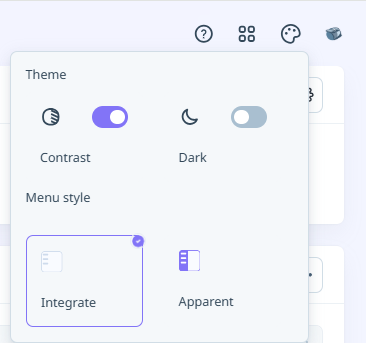
The Appearance icon at the top right of the Nexus window opens a menu of settings that can be applied to the appearance of your personal Nexus user interface.
Theme
Configure a theme for your Nexus browser windows and dialogs. Light and Dark themes are currently available, as well as an option to deploy a Contrast with the Light theme. (Contrast is ON by default in Dark theme).
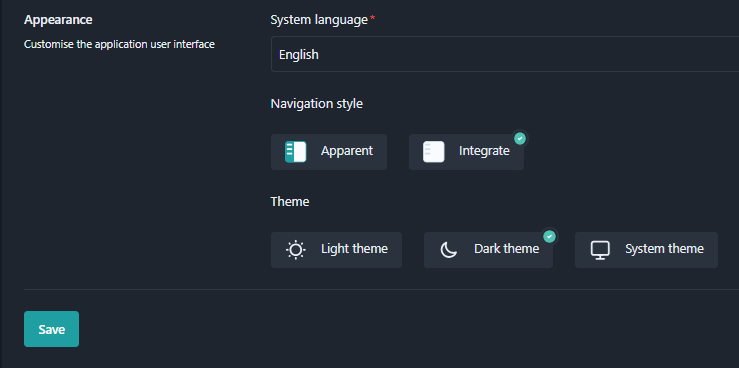
All Nexus applets, including the Viewer, support these themes. The Menu style cannot be set to Apparent in Dark mode.
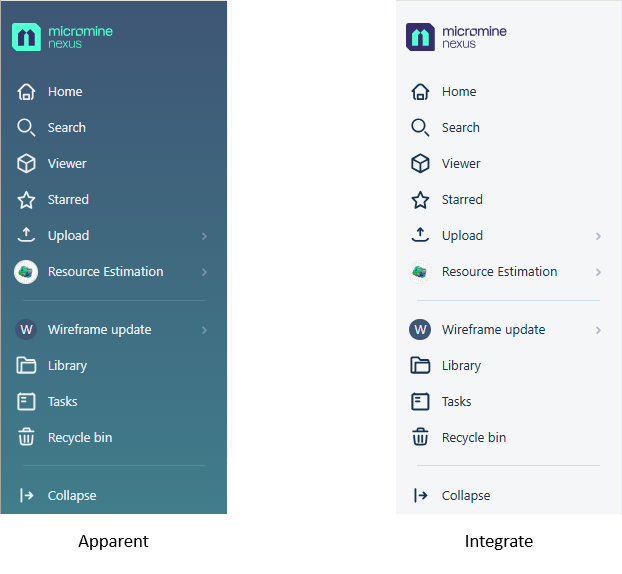
Menu style
Select whether to show the navigation pane at the left in Apparent or Integrate style.