

Sign In
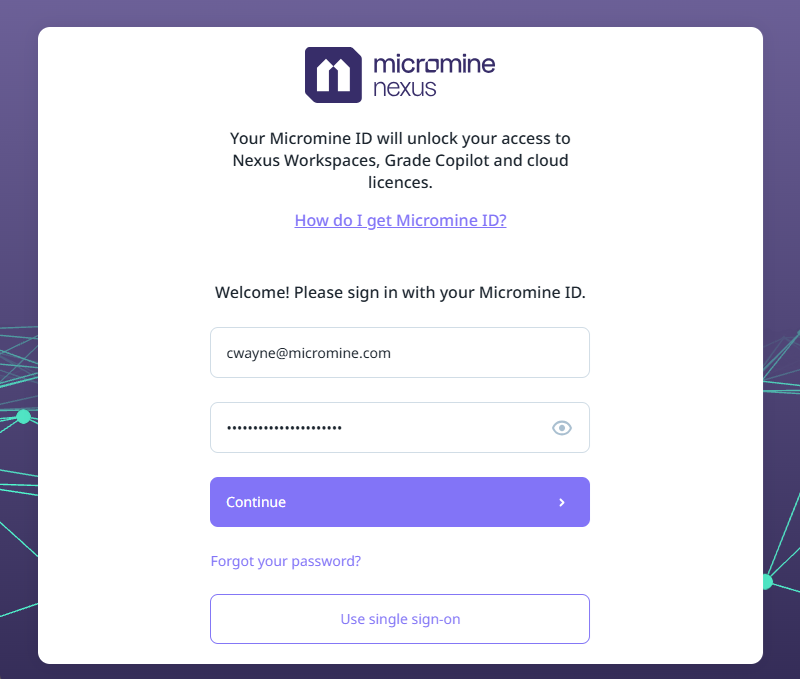
In order to connect to Nexus, you will need to sign in.
-
If you have a Micromine ID, enter the email address and password details.
-
Click Continue to sign in.
-
Alternatively, use your Organisational (Microsoft ADFS) account to sign in. For information about which authentication options are available to you, see: Authentication
Your First Sign-in?
If you are connecting as a new user and this is your first sign-in, you will be prompted to link to a Nexus project.
For specifics on how to establish a connection to Nexus from your Micromine application and upload and view your project data, refer to the online help for that application and search "Nexus Integration".
Welcome
Once you have signed in, you will be able to create projects and workspaces.
Not Feeling Welcome?
If your sign-in fails or you do not have access to Nexus, please contact your administrator