Triangulations to Micromine Wireframe
To export a Layer (Network Layer or Development Network Layer) Triangulation to Micromine Wireframe (*.tridb) file format:
-
Right-click on a layer triangulation and select Export | Triangulations to Micromine Wireframe.
A Triangulation layer should be selected. A Shape or Text layer selection will be ignored. Click OK to continue.
-
You will be prompted to specify a filename and a folder location for the exported file.
The default name of the exported (*.tridb) file is the name of the layer you are exporting. The default file location is the current model/project folder.
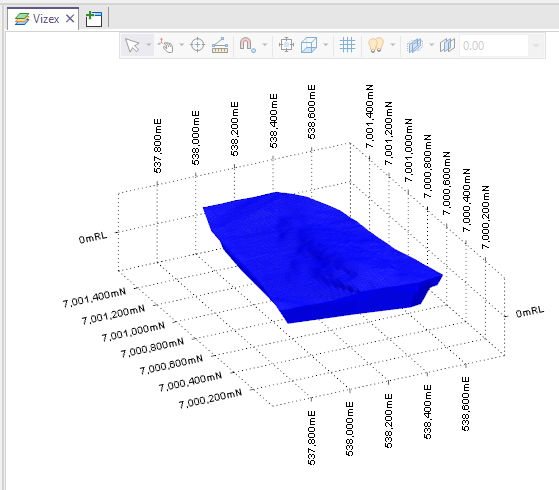
The exported file can be opened and displayed in Micromine Origin & Beyond: