Export Multiple Layers
When either the Design window or the Animation window is open, you can export multiple layers to an XML file (*.xml).
-
In the Design Data pane, select the layers you want to export:
-
Right-click on the Layers node (or an underlying folder) and select Export | Layers.
-
Right-click on the Haulage Network Layers node (or an underlying folder) and select Export | Network Layers.
-
-
Under Settings, select the Include Attributes check box to export the attributes of the objects you are exporting. Clear this check box to only export the geometry.
-
Select the Folder and Layer Items to Export:
Note that folder-file hierarchies are preserved in the Export file and will also be honoured if and when the file is imported.
-
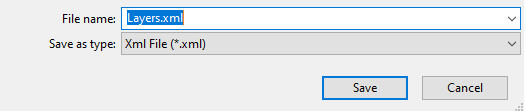
Click Accept. You will be prompted to navigate to the folder location of the XML file you want to save. The default folder is your project folder.