Go Online (Return Borrowed Licence)
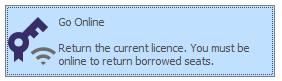
To return a borrowed licence, click File to open the Backstage menu and select Licensing > Go Online. Returning a borrowed licence should allow continued use of the licence online (if still available).
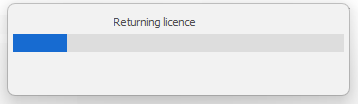
Please wait for the request to be processed on the Licensing server ...
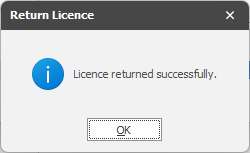
Click OK to confirm the return of the borrowed licence: