

Recent
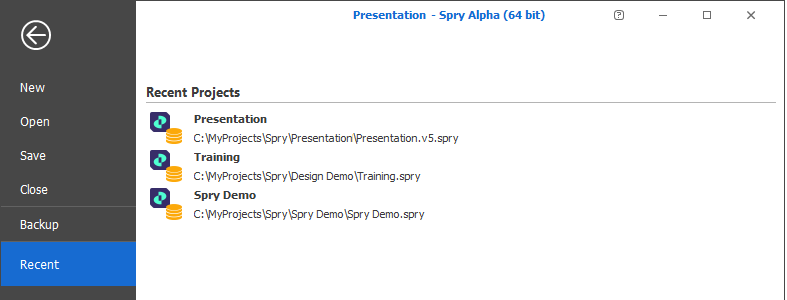
You can click to select a recent project and open that project.
Notifications
When updates are available, a notification is shown below the Recent Projects list when you open the application.

When the Application Update Mode setting (on the General tab of the Application's Settings) is set to Auto, the application is automatically updated on the next restart and a notification is shown:
