Background Tasks
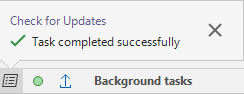
When you upload files to Nexus, download files from Nexus, or check for updates, the process is managed as a background task. When background tasks are running, the background tasks icon on the application status bar will flash.
To see the progress of tasks, click on the background tasks icon. A task completed message is shown once a task is completed.