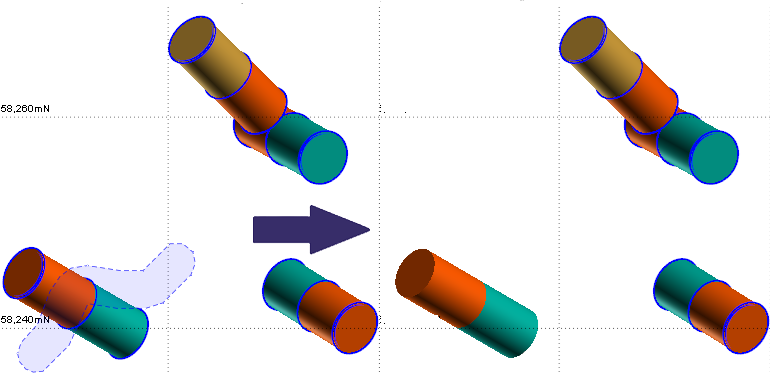
Paintbrush Selection Mode

Click and drag the mouse to draw a "ribbon" around the intervals you want to select. Intervals that intersect the ribbon are selected. Up and Down arrows can be used to increase or decrease the thickness of the brush stroke. Right-click to end the selection.
You can also use the CTRL key with the mouse to make individual, multiple selections.
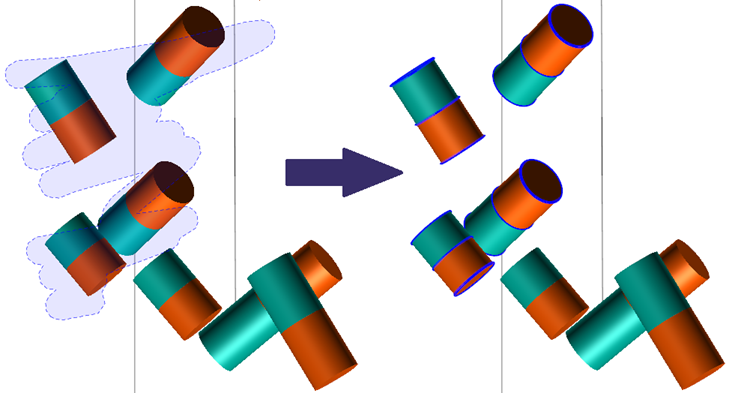
Hold SHIFT to deselect an interval that has been selected.