

Topography
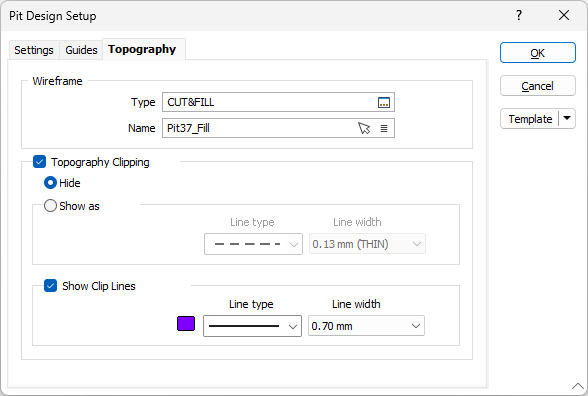
On the Topography tab of the Pit Design Setup form, configure the method to be used to generate topography for the pit design.
Wireframe
Use the Wireframe options to select a wireframe surface that represents the topography. Select the Type of the wireframe and the Name of a wireframe of that type.
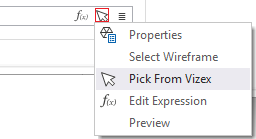
You can also use the Pick from Vizex button (or select the context menu option where available) to collapse the form and interactively select the required Wireframe to insert and return to the form.
Topography Clipping
If you select the Topography Clipping option, generated pit lines that are above the defined topography will be clipped.
If you select Hide, clipped pit strings will be hidden from display.
If you select Show as, the clipped pit lines will be displayed using the Line type and Line width you select.
Show Clip Lines
If you have selected the Topography Clipping option, you can select whether to Show Clip Lines and choose the Line type and Line width for the display.