

Constraint List
On the Mining | Pit Design (Dynamic) tab, in the Setup group: Click Constraint List to open, manage and edit a list of all of the constraints in the design.

Selecting the Constraint List tool opens the Constraint List dialog:
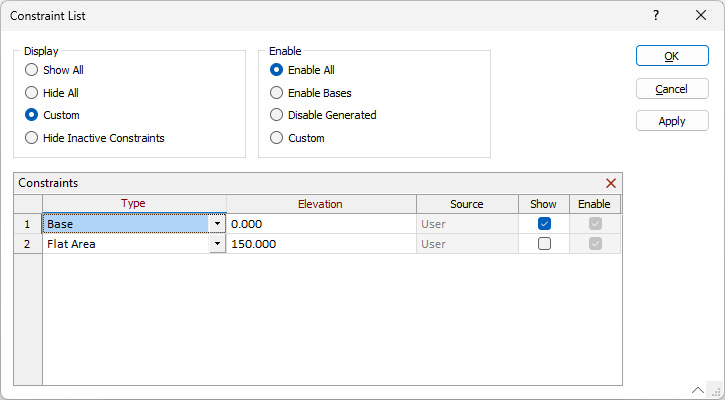
The options at the top of the dialog determine which constraints are displayed or enabled in the design.
Display
-
Show All - All constraints for the design will be displayed.
-
Hide All - No constraint in the design will be displayed.
-
Custom - If you select the Custom option, you can select or deselect the Show and/or Enable options for each constraint in the list to display / enable that constraint in the design.
-
Hide Inactive Constraints - Constraints that are not located at the active bench will be removed from display.
Enable
-
Enable All - All constraints for the design will be enabled.
-
Enable Bases - Only the base constraint/s for the design will be enabled.
-
Disable Generated - Generated constraints (not those manually created) will not be enabled in the design.
-
Custom - If you select the Custom Enable option, you can select or deselect the Enable and/or Show options for each constraint in the list to enable / display that constraint in the design.
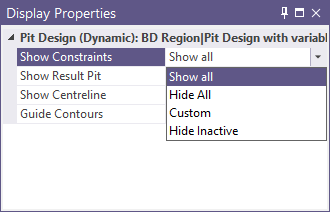
Display of constraints can also be toggled On and Off from the Pit Lines tab of the Pit Design Display Properties form, as well as from the Show constraints property in the Display Properties pane for the pit design:
The Type column in the Constraints grid displays the constraint type for each constraint in the design. You can use the drop down to change the type:
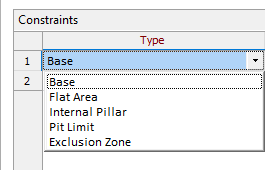
The types of constraint available will depend on the configuration of your pit design - i.e. Pit/Up, Pit/Down, Dump/Up or Dump/Down. For information on the various constraint types and the way in which they are applied for different configuration, see Pit Constraint Types by Pit Design.
If you click the Apply button, the change will be applied to the Pit Design without closing the Constraint List. Clicking OK will apply the change and close the dialog.
The Elevation column displays the elevation value for each constraint in the design. The value can be manually edited in the cell.
The Source column displays the source of creation for the constraint. Automatically created constraints will be listed as Generated, while user-created constraints are shown as User.
If you toggle a check box OFF in the Show column, that constraint will not be displayed in the design.
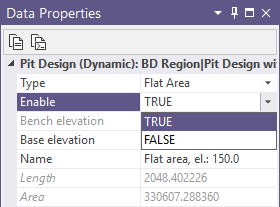
The Enabled check box, when selected, indicates that the constraint will be used in the pit design build. The Enable option can also be toggled between TRUE and FALSE using the drop down in the Data Properties pane for a selected constraint:
If you select a constraint in the list and click the Delete option in the toolbar, the selected constraint will be removed from the design.
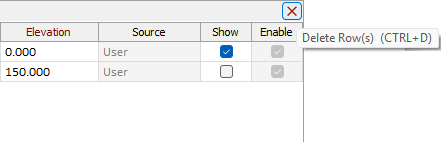
Note: This action cannot be undone. If you need to return the constraint, you will need to create it again.
Pit Constraint Types by Pit Design
| Pit/Up | Pit/Down | Dump/Up | Dump/Down | |
|---|---|---|---|---|
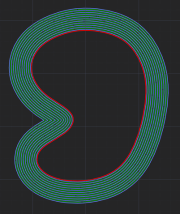
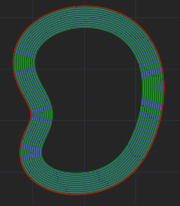
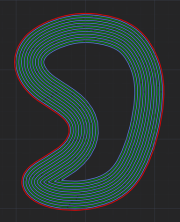
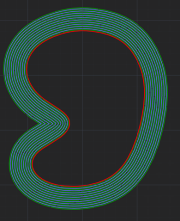
| Base | Starts a new pit if located outside of other pits. Ignored otherwise. | Starts a new pit if located outside of other pits. Ignored otherwise. | Starts a new dump if located outside of other dumps. Ignored otherwise. | Starts a new dump if located outside of other dumps. Ignored otherwise. |
|
|
|
|
|
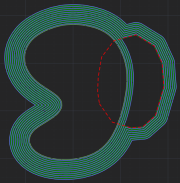
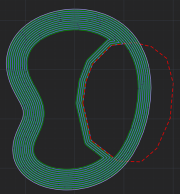
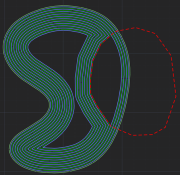
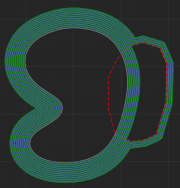
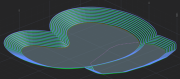
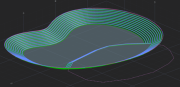
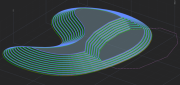
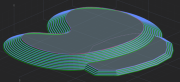
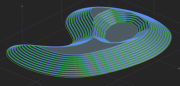
| Flat Area | Produces a flat area expanding the intersecting toe line outwards. Ignored otherwise. | Produces a flat area expanding the intersecting crest line inwards. | Produces a flat area expanding the intersecting toe line inwards. | Produces a flat area expanding the intersecting crest line outwards. Ignored otherwise. |
|
|
|
|
|
|
 |
 |
|
|
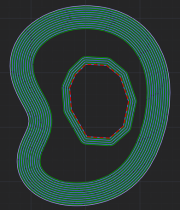
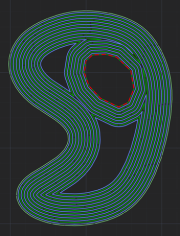
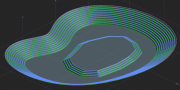
| Starts a new dump if located inside existing pit (expanding towards each other and possibly merging). | Starts a new pit if located inside existing dump (expanding towards each other and possibly merging). | |||
|
|
|||
|
|
|||
| Ignored otherwise. | Ignored otherwise. | |||
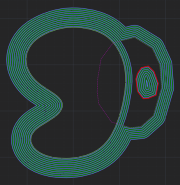
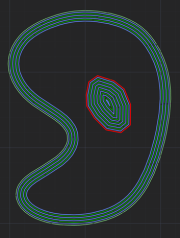
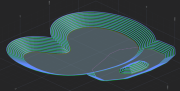
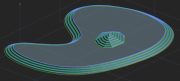
| Internal Pillar | Produces an internal dump if placed on the surface of a flat area. Ignored otherwise. | N/A | Start a new dump inside existing dump. Ignored otherwise. | N/A |
|
|
|||
|
|
|||
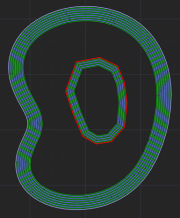
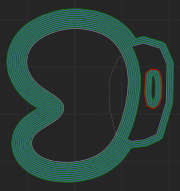
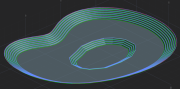
| Internal Pit | N/A | Start a new pit inside existing pit. Ignored otherwise. | N/A | Produces an internal pit if placed on the surface of a flat area. Ignored otherwise. |
|
|
|||
|
|