

Interpolate Orientation (Apparent Dip)

If you have not selected any structural points, the Selection Assistant will prompt you to select the points.
Select the point/s for the interpolation and click Accept.
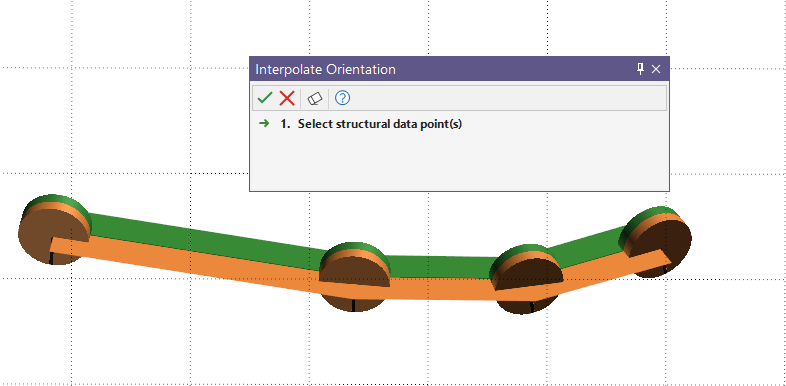
The apparent dip orientation of the ribbon will be interpolated based on the selected point/s.