Tasks
Task is an overall term for any piece of work with a quantity to be completed. Examples of tasks include:
-
Digging an amount of waste/ore/coal/mineral
-
Blasting a bench
Mandatory Properties of a Task
Each Task has the following mandatory properties:
-
A type to define it called the Process
-
An amount to work called the Quantity
-
A name to identify it called the Title
Unique Tasks
Note: The combination of Process and Title for a Task must be unique.
Optional properties of a Task
-
Labels that provide further identification information called Areas
-
Values that provide further reporting information called Fields
Import
Tasks may be imported using one of two methods. The Gantt Scheduler User Interface allows the data to be imported individually directly into Gantt Scheduler. Alternatively, the data can be imported from an Excel spreadsheet. The advantage of importing Tasks from an Excel spreadsheet is that it allows for the managing of reserves in one location.
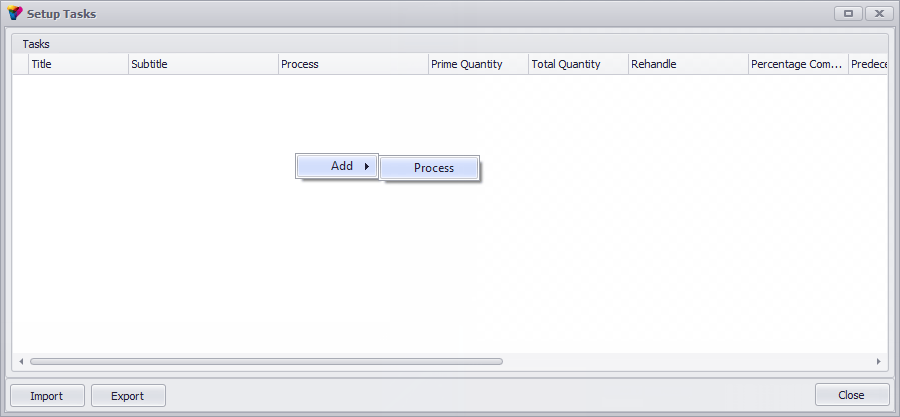
To add a new process, right-click > Add > Process. Add details into the appropriate boxes.
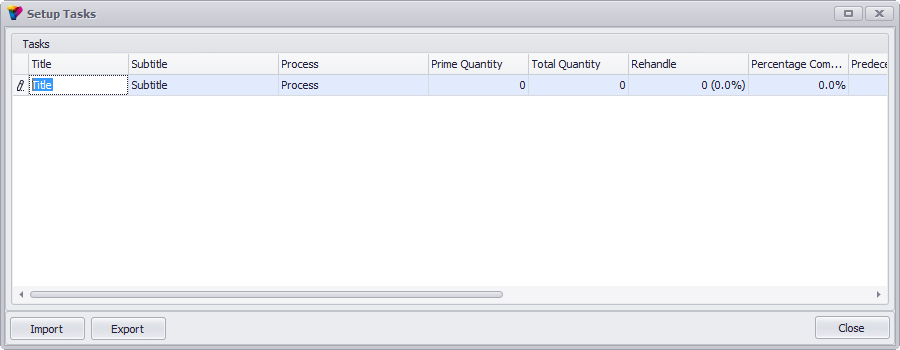
The Title, Subtitle and Process must each be unique and together cannot be repeated at any time throughout the tasks. The headings must match the headings in the Excel spreadsheet. A sample completed table is included below.
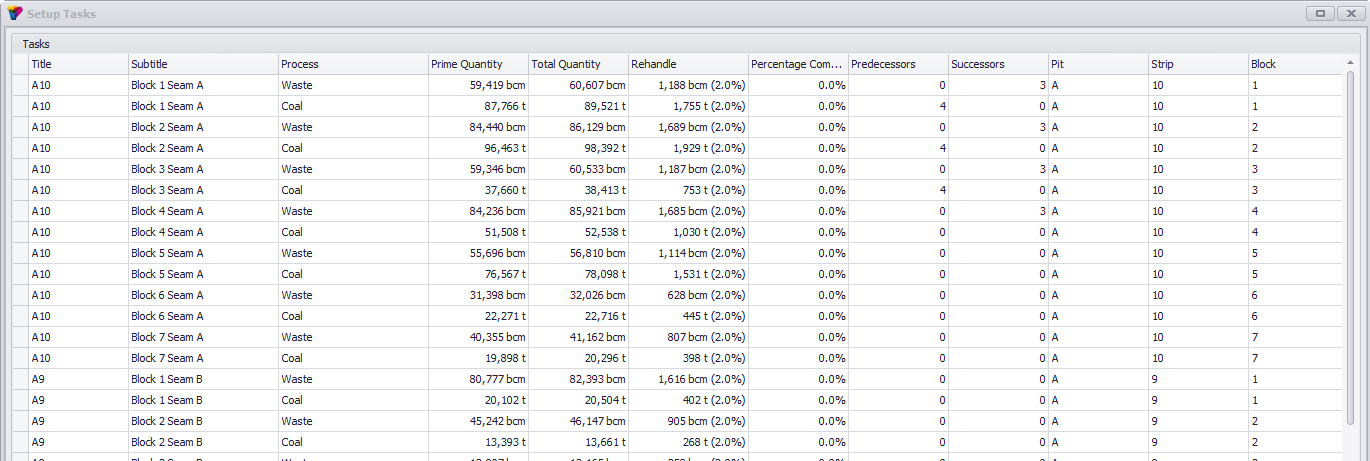
Use the Export button to export to Excel to edit. Keeping all data in Excel spreadsheets means that other people can edit data without needing to know the Gantt Scheduler program. Reserves can be set up however preferred (e.g. in multiple worksheets).
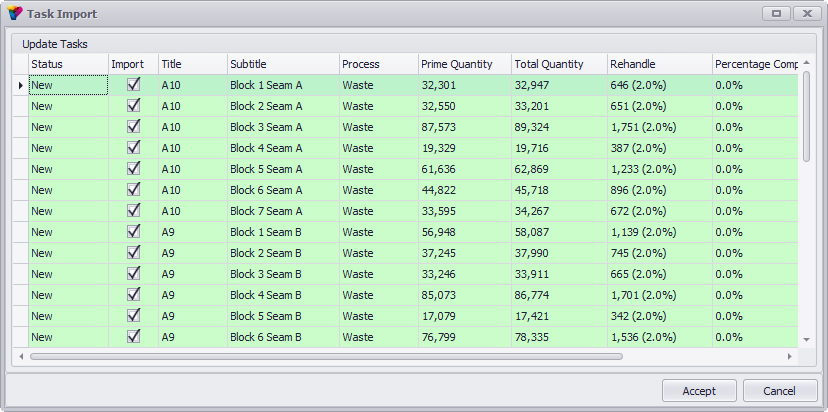
Use the Import button to import spreadsheet/s back into Gantt Scheduler. Multiple spreadsheets can be selected and Gantt Scheduler will determine which sheets have the correct formatting and only import the appropriate sheets. Select ‘Synchronise Tasks’ to remove tasks from Gantt Scheduler where they don’t exist in the imported spreadsheets (i.e. to synchronise changes made in the Excel spreadsheet to Gantt Scheduler).
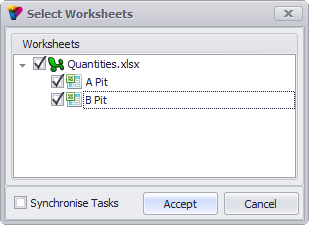
Any new tasks will be highlighted. See example below.