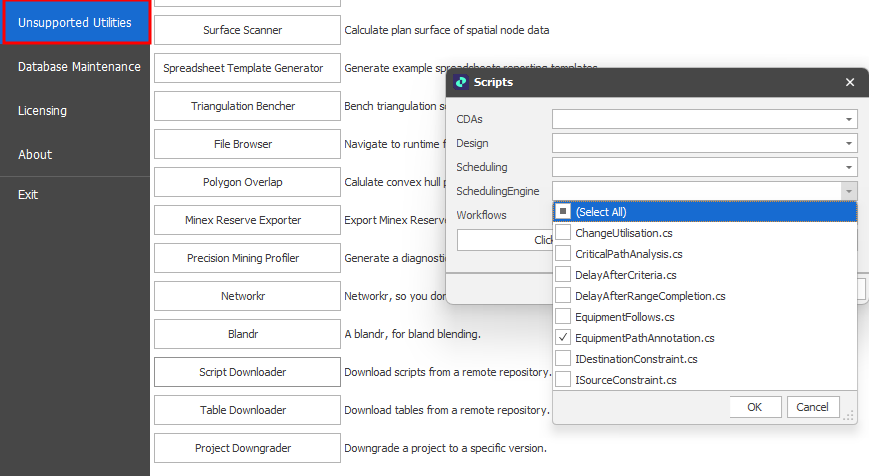
Script Downloader
Note that the Scripts panel provides tools that are only applicable to developers, consultants or power users familiar with scripting in C#.
Scripts can be downloaded through the "script downloader" which is accessed by enabling "Unsupported Utilities" on the General Settings page of the Spry Settings window.
Settings are accessible via the Home Screen when you click on the File tab or by selecting Tools > Settings on the application Title bar.
-
Select these check boxes to list unsupported utilities:
-
On the Home screen (when you click on the File tab)
-
On the Application Title bar, Tools > Unsupported Utilities drop-down menu.
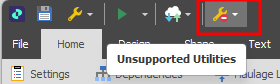
-
Select the Script Downloader utility: