

Filter
Source/Destination Range
Accept <All> as the default or use the drop-down to unselect that option, select a Source/Destination Range or click on the ellipsis to open the Select Range Window. See: Select a Range
You can also click the Draw Shape icon  to Set Inline Range by Drawn Shape.
Equipment
Accept <All> as the default or use the drop-down to unselect that option and filter by Equipment:
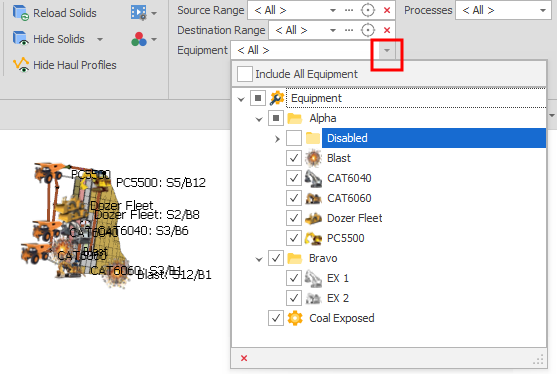
To setup Equipment for your scenario, see: Add Equipment
Processes
Accept <All> as the default or use the drop-down to unselect that option and filter by Processes:
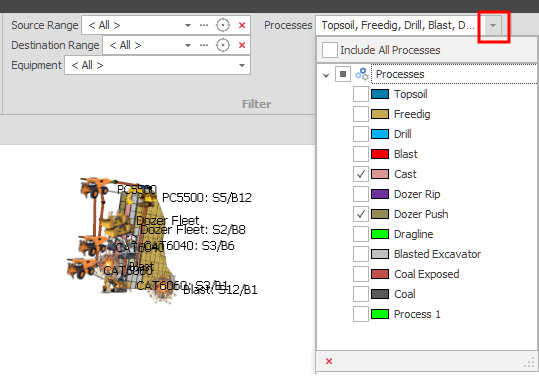
To setup Processes for your scenario, see: Add Process
When you save an Animation View, any filters are saved as part of the Animation Layout. See: Reset View