Import Multiple Layers
When either the Design window or the Animation window is open, you can import multiple layers in an XML file (*.xml).
-
In the Design Data pane, do one of the following:
-
Right-click on the Layers node (or an underlying folder) and select Import | Layers.
-
Right-click on the Haulage Network Layers node (or an underlying folder) and select Import | Network Layers.
-
-
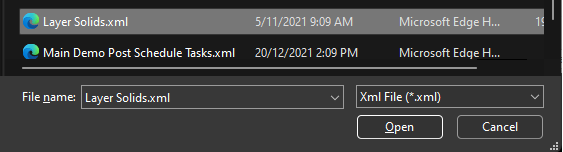
Select the XML file that contains the layer(s) you want to load:
-
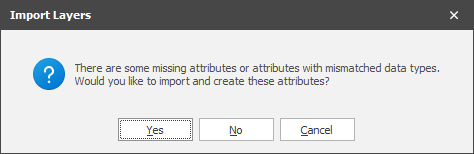
If Include Attributes was selected when the file was exported and there are missing attributes in the current model, you will be prompted to create them:
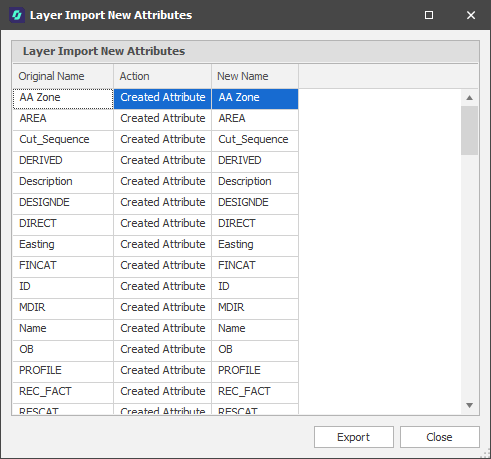
If you choose Yes and missing attributes are created, a list of new attributes is shown on completion of the Import process: