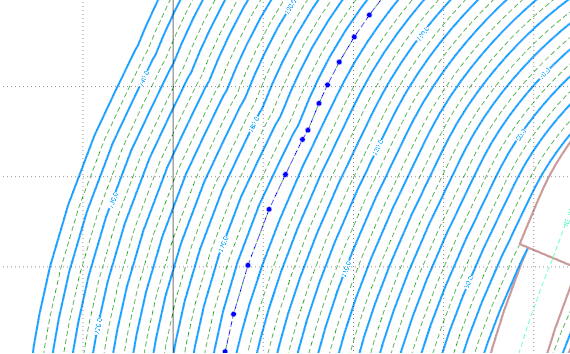
Expand Constraint

If nothing is selected, you will be prompted by the Selection Assistant to select the constraint to expand.
-
Select the required constraint or partial constraint and click Select.
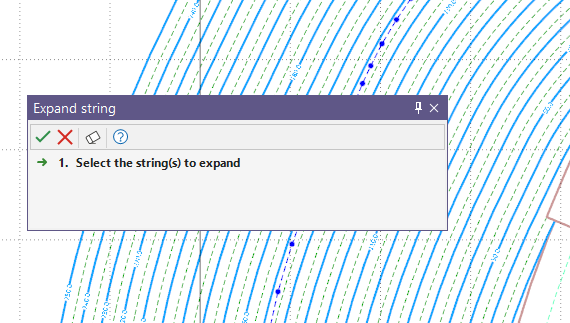
The Expand Constraint dialog is displayed.
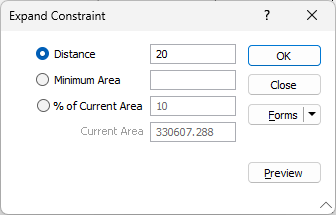
The available methods for expanding the selected constraint are as follows:
Distance
Select this option to expand the constraint by a specified distance, and enter the required expansion value in the Distance field.
Minimum Area
To expand the selected constraint by a calculated minimum area, enter the value in the Minimum Area field.
% of Current Area
The Current Area of the constraint is displayed in the read-only field. Select the % of Current Area option to specify a percentage of the displayed current area by which to expand the constraint.
If required, you can Preview the expanded constraint in the design using the button. A preview of the expanded constraint will be shown as a thin grey line and you can adjust the details for the expansion if required and preview again until everything is the way it is wanted.
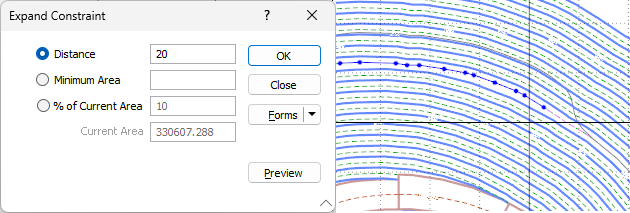
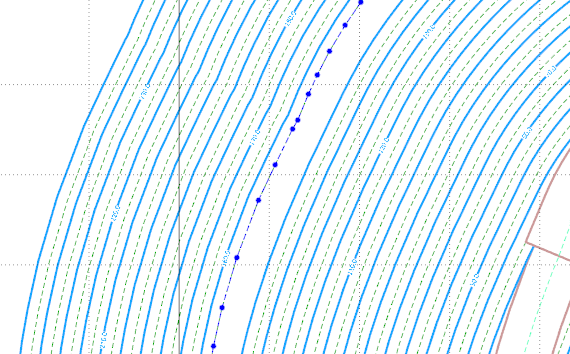
The direction in which the constraint is expand will depend on the values entered in the dialog. For example, the positive value of a Distance of 20 will result in the expansion out - as shown below:
If a partial constraint was selected, the Inside Fillet and Outside Fillet options are also displayed in the dialog:
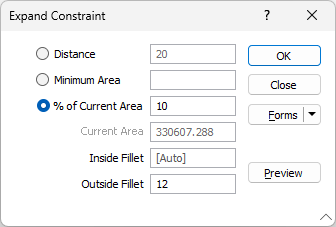
The Inside Fillet value entered applies filleting to angles on the inside of the string perimeters, while the Outside Fillet value applies filleting to angles on the outside of the string perimeter.
Partial selections are replaced with the generated offset polyline and expand outside if positive values are set. Note: This may not behave as expected in some rare cases, such as selecting a part which creates self-intersections after expansion.
If Expand Constraint is repeated with a negative value, the constraint will contract by that amount - for example -10 as shown: