Row
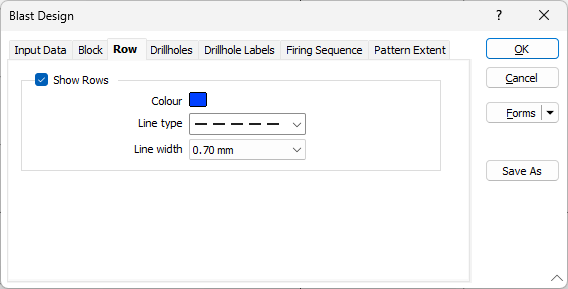
The Row tab provides the option to display rows for the blast design and configures the display details.
Show Rows
Select the Show Rows check box to choose whether to display the rows by default. When a tool is selected to add or edit a row, the rows are displayed automatically during editing.
Use the Colour box to open the Colour Selection dialog and select a colour for the row.
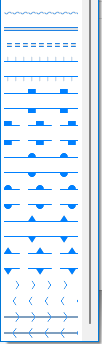
Select a Line Type from the drop down. A preview of each line type is shown in the drop-down list. A variety of solid, dotted, and dashed line styles are available for selection.
The selected line type will be used to display the row.
Note: Extended line styles such as double lines are not compatible with 2D plots (they will render as a solid line) and will only display properly in Vizex and 3D Vizex plots (and screenshots). Extended line styles are displayed in blue in the Line Type drop down.
Set the Line width for the row from the drop down list provided.