

Task Priority
The priority of a task is set on the Summary tab of the Task Properties dialog. The priorities you can select for a task will depend on the task type.
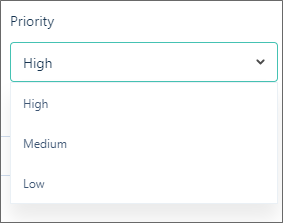
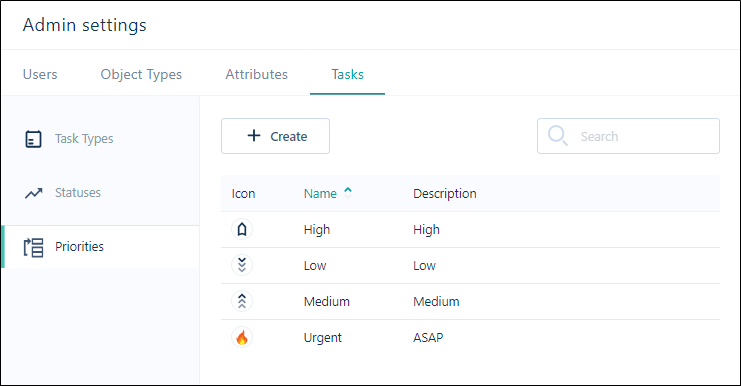
In Admin Settings, priorities are defined as part of the properties of a task type. In addition to default priorities, custom priorities can be configured, for example Critical.
A workflow may be defined as multiple connected tasks. Note the following:
-
Tasks may be divided into subtasks
-
Tasks may run in parallel to each other (be run simultaneously)