

Go Offline (Borrow Licence)
To borrow the current licence, click File to open the Backstage menu and select Licensing > Go Offline. Borrowing allows continued use of the licence while working offline.
When borrowing the licence, the duration of the borrow must be selected. This can be done via the calendar control (the shown dates are the only valid borrow expiry dates available, dates shown in red are unavailable). You can specify Days and Hours.
By default the borrow works in 24-hour blocks starting at the time of the borrow (so a borrow at 4pm today, will return at 4pm on the borrow expire date).
Note: The borrow duration cannot exceed the maximum borrow time specified in the licence itself.
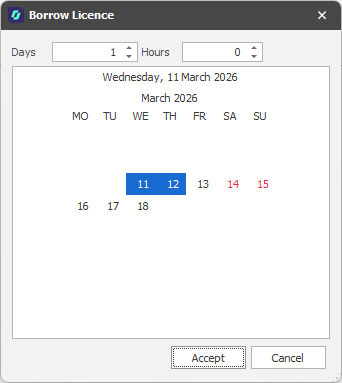
Click Accept to borrow the current licence for the duration specified.
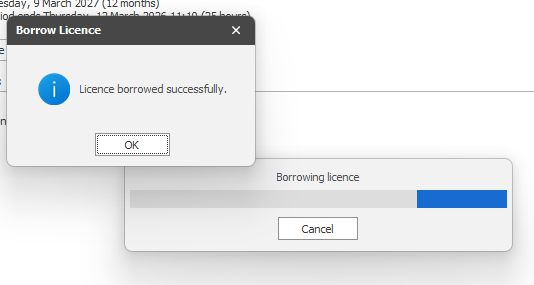
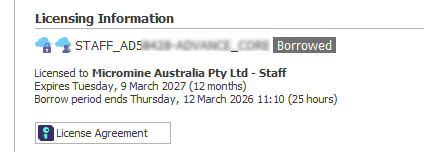
If permission to borrow is granted, the licence is shown as borrowed on the Licensing page:
Go Online (Return Borrowed Licence)
Licensing Options (Cloud Licensing)