

Case XML
 Export a Single Case
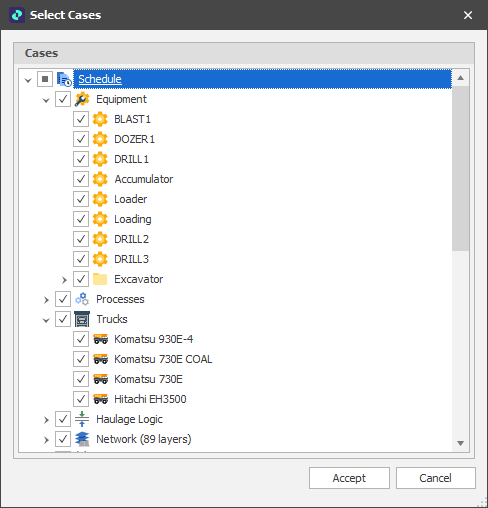
To export a single case to XML file format, in the Project Explorer, right-click on a Case and select Export > Case XML. In the Select Cases window, selection is limited to the case you right-clicked on. Select the objects you want to export (all objects are selected by default).
If a single case is exported, the name of the case is used as the default file name.
Export Multiple Cases
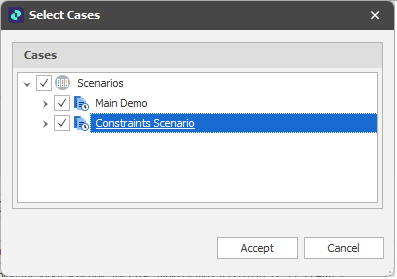
To export multiple cases to XML file format, in Project Explorer, right-click on the Scenarios node and select Export Cases. In the Select Cases window, select the cases you want to export. For each case, select the objects you want to export (all objects are selected by default).
If multiple cases are exported, the case name Scenarios is used as the default file name.
Accept
Click Accept to export the case(s) and the objects you have selected. You will be prompted to select a folder destination for the exported XML file. The default folder destination is the current project/model folder.