

Keyboard
Use the options on the Keyboard Settings page of the Micromine Spry Settings window, to set keyboard shortcuts for the Design Window, Project Management and Scheduling.
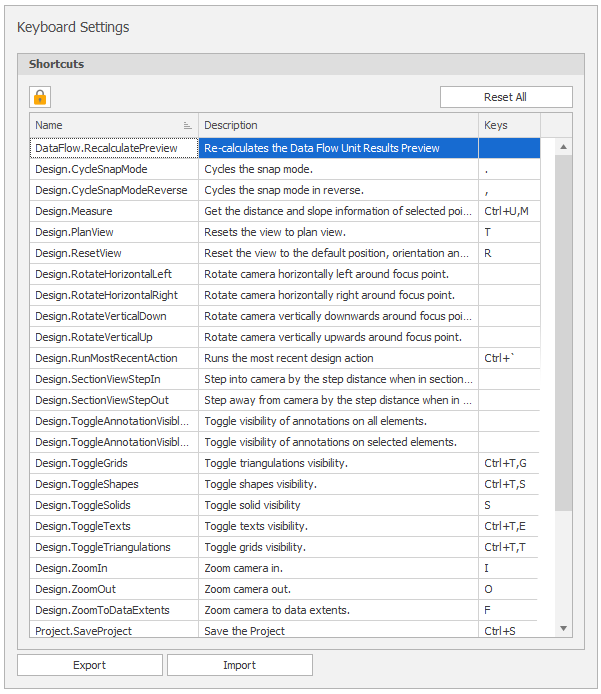
Keyboard Settings
By default, Keyboard Settings are locked as read-only to avoid inadvertent changes. To modify keyboard settings you will need to unlock them.
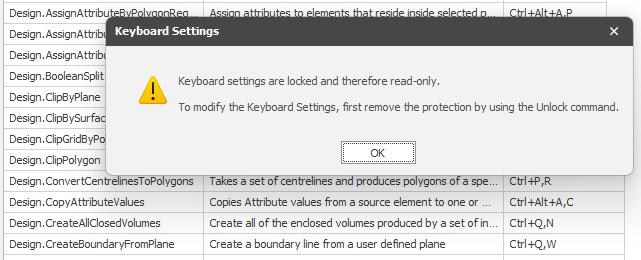
Click on the Locked icon to Unlock Keyboard Settings.

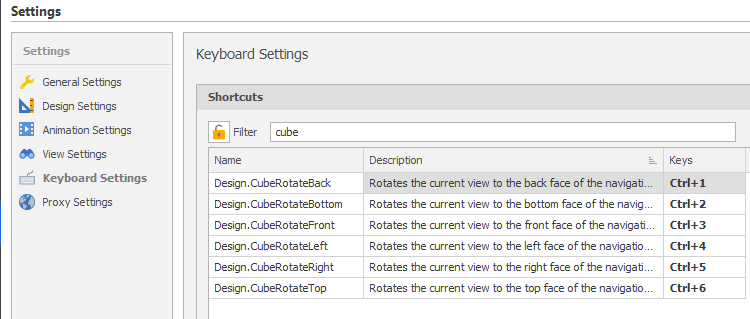
To find the actions you want to assign shortcuts to, click on the Name filter icon and enter your search text:
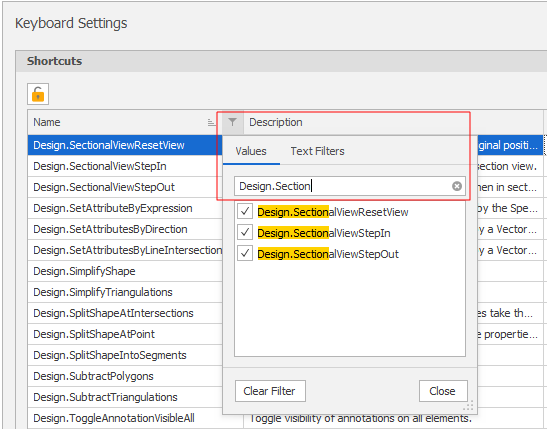
For example, you want to assign keyboard shortcuts to the Sectional View Step In/Step Out and Reset View commands:
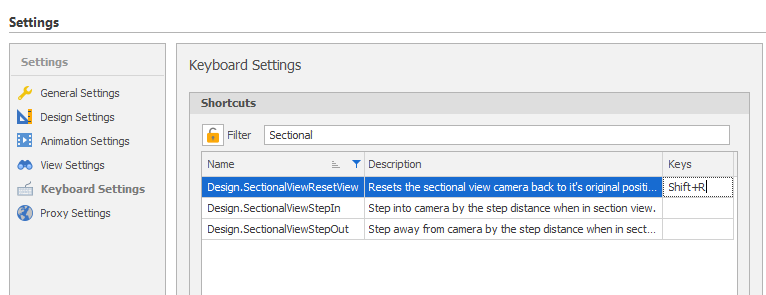
For example, you want to assign keyboard shortcuts to rotate the Navigation Cube in the Design Window:
When finished, click on the Unlocked icon to Lock Keyboard Settings.