Configure KPIs
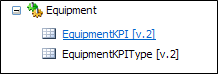
Before you can calculate key performance indicators (KPIs) in Data Acquisition, you will need to configure a KPI reference group and a KPI Type reference group in the Pitram Portal.
KPI Types
KPIs and KPI Types are configured in two of the Pitram Portal reference tables.
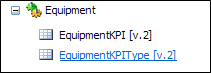
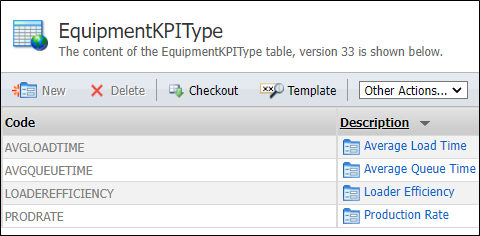
The first thing you must do is setup your KPI types. When you click on the EquipmentKPIType group, you can create a new KPI type, edit a type, or delete a type.
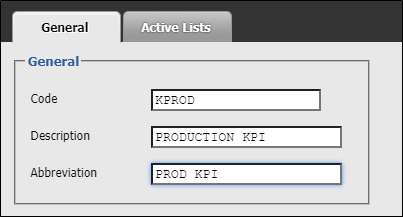
In the general tab, enter a description and an abbreviation for the KPI type. Click OK to apply your changes.
KPIs
When you click on the EquipmentKPI group you can create a new KPI, edit the properties of a KPI, or delete a KPI.
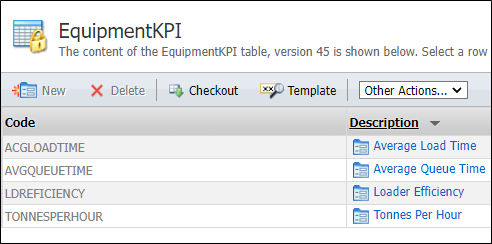
In the general tab, enter a code, a description, and an abbreviation for the KPI. Click OK to apply your changes.
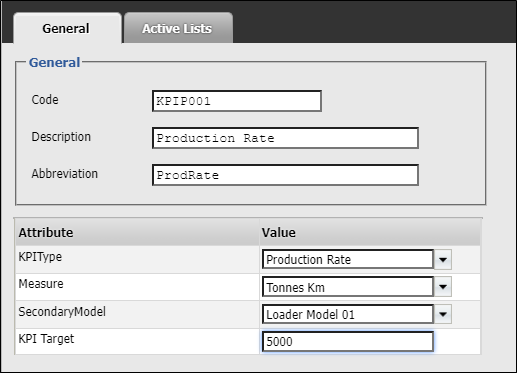
KPI Type
Select a type for the KPI you are creating. KPI types are configured in the Equipment KPIType reference group.
Measure
Select a unit of measure for the KPI.
Secondary Model
If the equipment KPI is for primary equipment, select the secondary equipment model that the KPI relates to.
For example, the average load time when a loader is loading a Terex MT3700AC Truck.
KPI Target
Each KPI must be measured against a target value. Enter a target value that will be compared with actual values in order to calculate the KPI.
Assigning KPIs to equipment
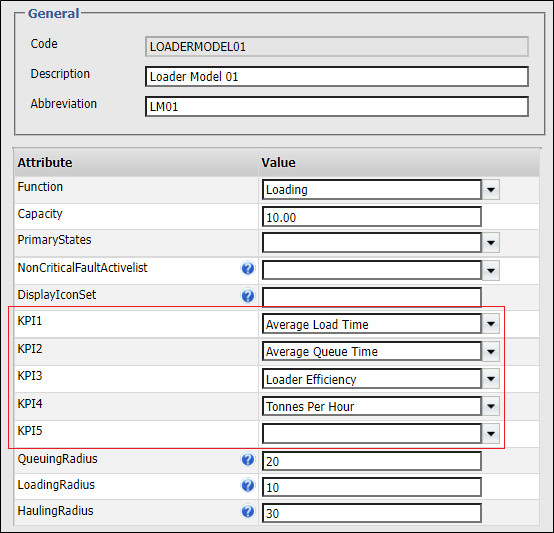
Once the KPIs have been configured they can be assigned to the equipment models configured in the EquipmentModel reference group: