

Import Report
On the Services ribbon: Select System | Administration | Manage Reports | Import report to import a report.

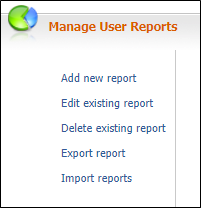
To import a report, e.g. reports that have been exported from one of the company's other sites:
- Select Import Report on the header. The Upload File dialog is displayed.
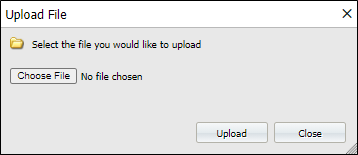
- Click Browse to navigate to the file that contains the reports you want to import.
-
Click Upload. The zip file is copied to the Configuration\Imports folder, where the report files are extracted. The zip file is then deleted.