

Export Report
On the Services ribbon: Select System | Administration | Manage Reports | Export report to export a report.

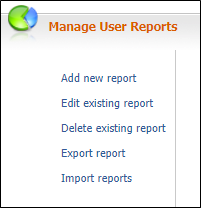
To export a report:
-
Select the report you want to export.
Only one report can be exported at a time. The output file is in XML.
- Click Export . The report is downloaded to the default location.
- You can open the report content to browse the data or save the file to another folder location of your choice.