

Delete Report
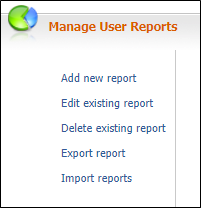
On the Services ribbon: Select System | Administration | Manage Reports | Delete existing report to delete a report.

To delete a report
- Select the report (or reports) you want to delete.
You can use the CTRL or SHIFT keys to select multiple reports.
- Click Delete existing report.
- Click OK.
Warning: If you delete a report there is no undo facility, the report will be lost.