

Manage Services
To check whether all licensed services are installed, select Administration | Manage Services.
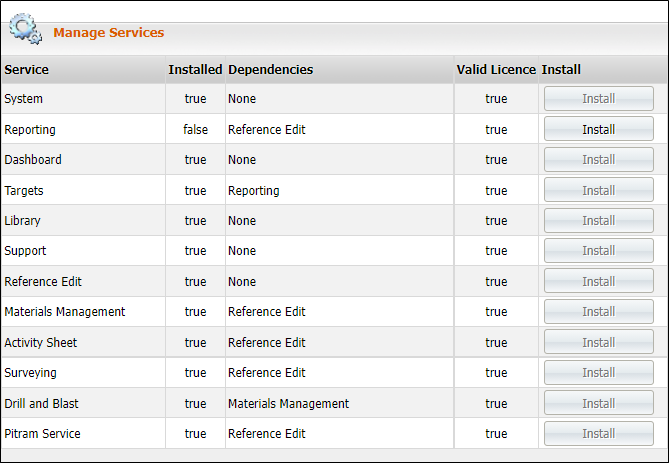
If all of the boxes in the Install column are greyed out, then the Installation is complete.
If the Word Install is highlighted on one or more boxes, then the installation is only partially complete. You need to click on these boxes to install the missing components.
If the value shown in the Valid Licence column is set to False , then that component cannot be installed under your current licence. If you think you require one of the missing components, please contact Micromine Australia Pty Ltd Support to upgrade your licence.
Upgrade or Install
To install or to upgrade the Pitram Portal, you must have Administrator access to your computer.
If you are upgrading to a new version of Pitram Portal which has an XML file that does not match the currently installed XML file, you will not have access to the services, but will be diverted to System | Manage Services.
Click Service | Upgrade to complete the upgrade.