

Transformation
When the Swath Plot form has been opened from Conditional Simulation results, the Transformation tab is enabled.
Use the Transformation tab to select the Transform file and the forward and/or back transform direction for the Input and Realisations data.
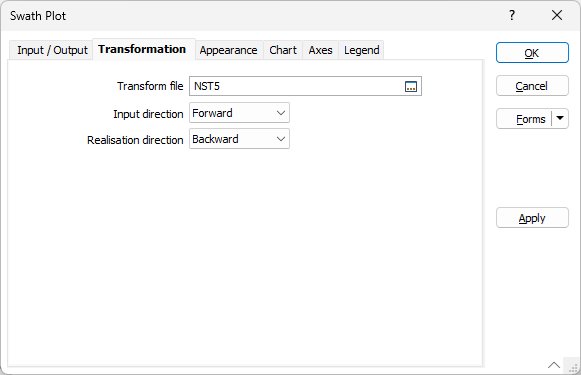
Transform File
Double click (F3) in the Transform File field to select a transform file (.mmtransform) to be applied for transformation of the Input and/or Realisation data.
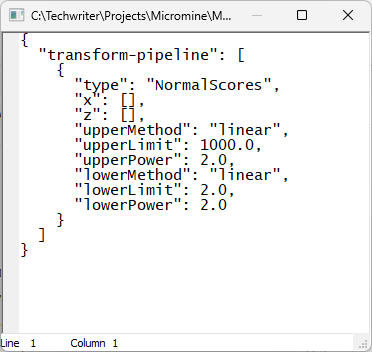
If you right click the File field with a transform file selected, the file will be opened for viewing (note it cannot be edited):
Input direction
Use the Input direction drop down to select the direction of transformation for the Input data.
Realisation direction
Use the Realisation direction drop down to select the direction of transformation for the Realisation data.
The available options for the Input direction and Realisation direction fields are as follows:
-
Select the Forward option to apply the specified transform file to the data to produce standard normally distributed data.
-
If you select the Backward option, all outputs in the file will be back transformed to restore the original data distribution space.
-
If None is selected, the data will be assumed to be already standard normal and no transformation will be carried out.