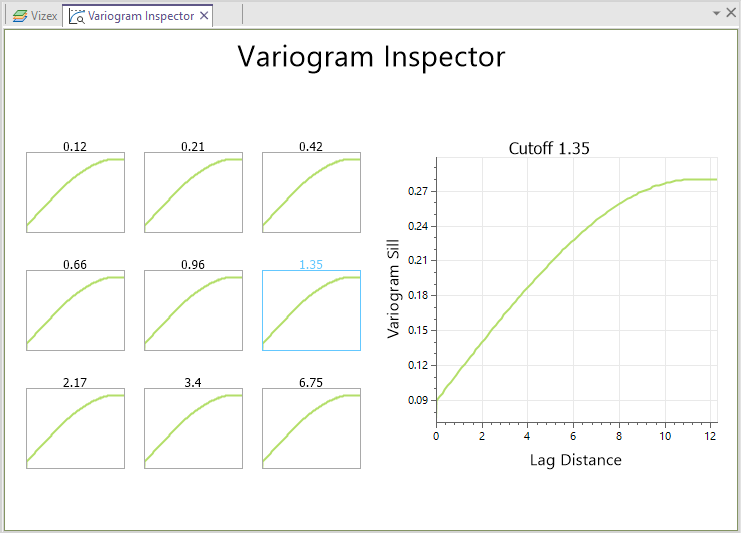
Variogram Inspector
This option is also available from the Block Model tab in the Estimation group under Multiple Indicator Kriging | Variogram Inspector.

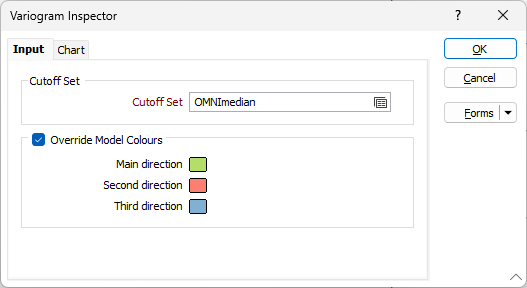
Cut-off Set
Double-click or click on the Forms icon, to load an MIK Cut-off Set.
MIK Cut-off Sets are generated using the Multiple Indicator Kriging | Generate Cutoffs function on the Geostatistics tab, in the Estimation group. See: Generate Cutoffs
Override Model Colours
For each search direction, double-click on the Colour button (or click and press F3) to open a colour palette to select from.
Variogram Sill and Lag Distance primary axes labels are shown on the main chart: