

Open Control File

A Variogram Control File can be saved on the Chart | Variograms tab once a Variogram Map or Variograms Chart has been calculated, and provides a way of passing variogram information between different Variography functions or any function that need to reference a semi variogram as part of its modelling parameters.

|
|
The Save Control File button in the Variography group will save your settings to a file (one direction must be defined for 2D, and three directions must be defined for 3D). |
| If you select an existing file, you will be prompted to overwrite or cancel. | |
|
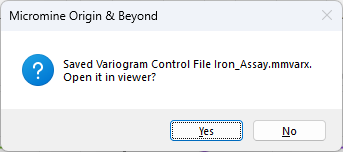
You will be prompted to view the contents of the file you have created or selected.
|
|
| You can also select Geostatistics | Show Control File to select and open a variogram control file without having to load a chart. |
To support multivariate data in co-variogram mode, a variogram control file can store multiple nugget values and multiple sill values per component, one for each variogram. All conceivable orientation conventions are listed.
Changing or toggling the Normalise method will affect the chart and the model parameters. When the chart is open, you can also toggle Normalisation from the ribbon in the Variograms group:

Use the Notes box to add notes for the Variogram Control File. The notes are saved automatically when you exit the Viewer.
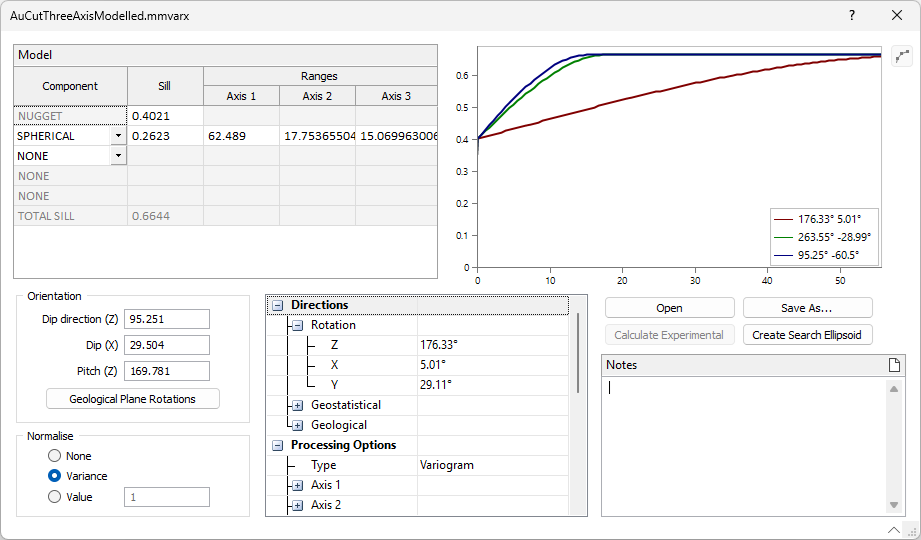
The Open button at the right of the viewer is used to open a different variogram control file for display.
You can save a copy of the current control file for display using the Save As button.
The Calculate Experimental button will display the experimental variograms created in the Variogram Chart and saved in the control file. If the experimental variograms were not created, and the input file information exists in the file, clicking the button will generate them.
The Create Search Ellipsoid button will open the Variogram Search Calculate form that allows you to configure search ranges using a percentage of total sill or from specified axis ranges.
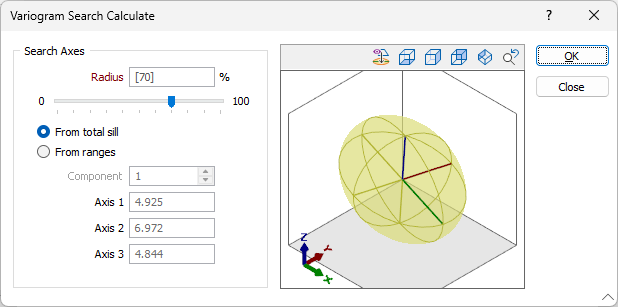
You can view the resultant search ellipsoid using the tools in the preview window at the right of the form.
Click OK when the ellipsoid has been configured as required. The application will prompt you to save a Data Search formset.
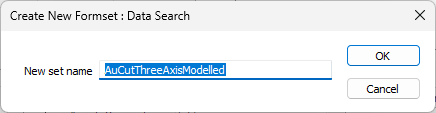
The form set will be populated using the directions and model ranges in the control file and be auto loaded to a Search Ellipsoid in Vizex.
You can create a new Variogram Control file using the Control File | Create Control File tool on the Geostatistics tab, in the Variography group.