

Collar Attributes
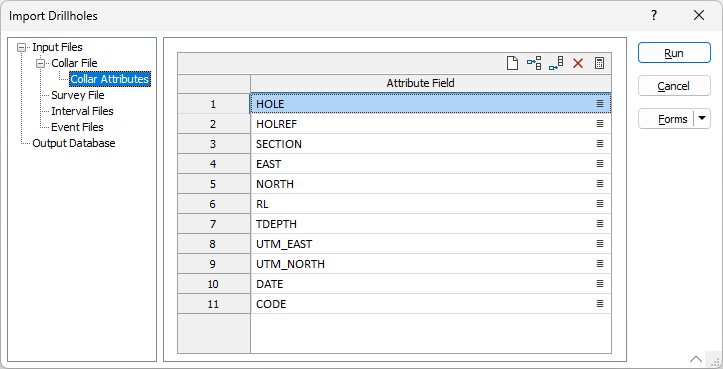
The Collar Attributes tab of the Import Drillholes form is used to configure the Collar Attributes for the import.
The Attributes you specify on the Collar Attributes tab can be used when you want to group or classify drillholes using some non-unique identifier. This can be useful when specifying a filter, for example, to limit the display to those holes within a particular survey section.
Note that the fields defined on the New tab (of the Database Properties form) are treated as per the file structure; however, the fields on the Collar Attributes tab will always be treated as Character (or Strings) by a filter expression, regardless of the source field type.
In particular, DATE functions used in expressions will require date strings to be converted to DATES using the TODATE() function. The safest way to do this is to specify the date format as a parameter to that function.
If a date format specifier is not supplied, for example, you use:
=TODATE([str])
the function will try to parse it, but the results may be unexpected. It is recommended to always provide a second argument which specifies the date format. For example:
=TODATE([str],"yyyy/MM/dd")
The Autofill button in the Attributes grid toolbar will automatically add the attributes from the collar file. You can use the buttons in the toolbar to edit the Attribute Fields included.
Use the Survey File tab of the form to configure the details of any Survey file for the import.
Run
To begin the import process, click the Run button. If the specified output file already exists, you will be given the option of overwriting the file, or appending data to the file.