

Clip Blastholes

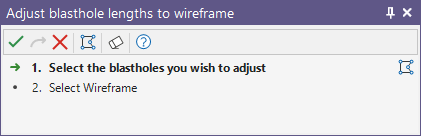
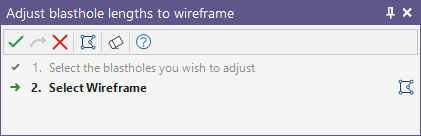
The Clipping process will run automatically provided that the blastholes and the clipping wireframe are selected in the display. If you have not already selected the blastholes and a wireframe, you will prompted to do so by the Selection Assistant.
- Select the blastholes to clip and click on the Accept Selection button (or right-click).
- Select the clipping wireframe and click on the Accept Selection button (or right-click).
- The selected blastholes will be clipped to the reference wireframe:
Alternatively, you can Digitise the required object/s using the button in the Selection Assistant toolbar. The Selection Assistant will close, providing access to the tools used to create the object.
You cannot load a wireframe or edit other objects while the display is in Clip mode.
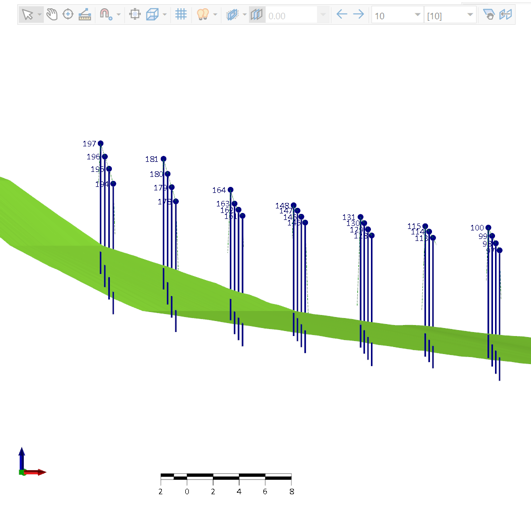
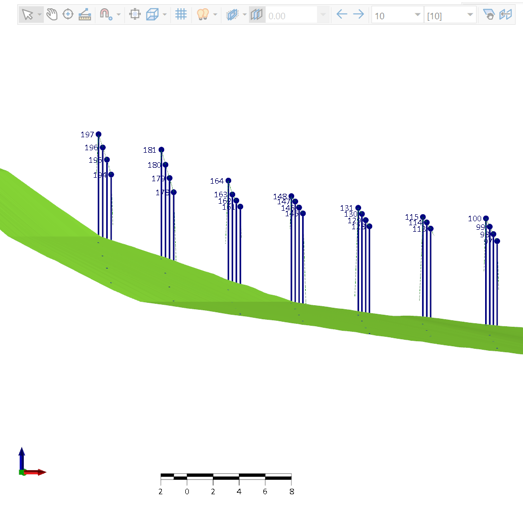
The Clipping process works as follows:
-
A vertical ray is cast downward from both the collar and the end of hole.
-
If either ray strikes the wireframe, the hole is kept unchanged; otherwise it is deleted.
This means holes lying entirely below the wireframe are deleted, as are holes entirely outside its plan extents.
Note: In cases where a blast hole has an intersecting point of less than 1 cm of the collar, it is retained, unclipped.