

Filter
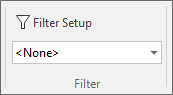
You can configure the filter to be applied, using the Filter Setup function. Selecting Default from the Filter drop down will apply the filter you configure. Select <None> to clear the filter.