

User Profile
Use the User Profile page to set up your account identity and review your personal details and system language preference.
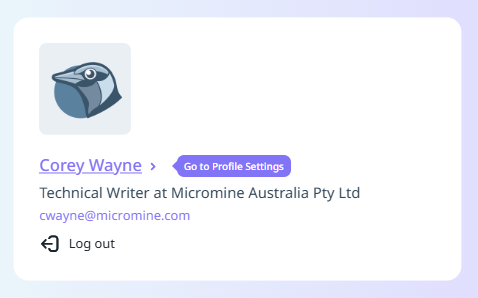
Your User Profile is accessible from the Home page by clicking your name:
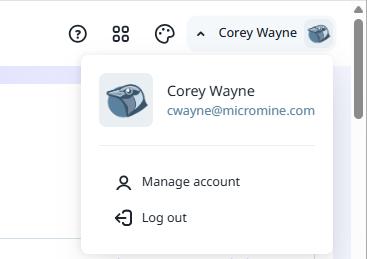
You can also open the page from the Manage Account option on the Licence Manager page:
First Name and Last Name
Enter your First and Last name.
Role and Company
(Optionally) Specify your role within the organisation or team and the name of your company.
Email and Phone
Enter your contact details.
Country and System Language
Select the country in which you are located from the drop down list, and select the language in which you would like Nexus Home to be displayed - English, Russian (Русский) or Spanish (Español).
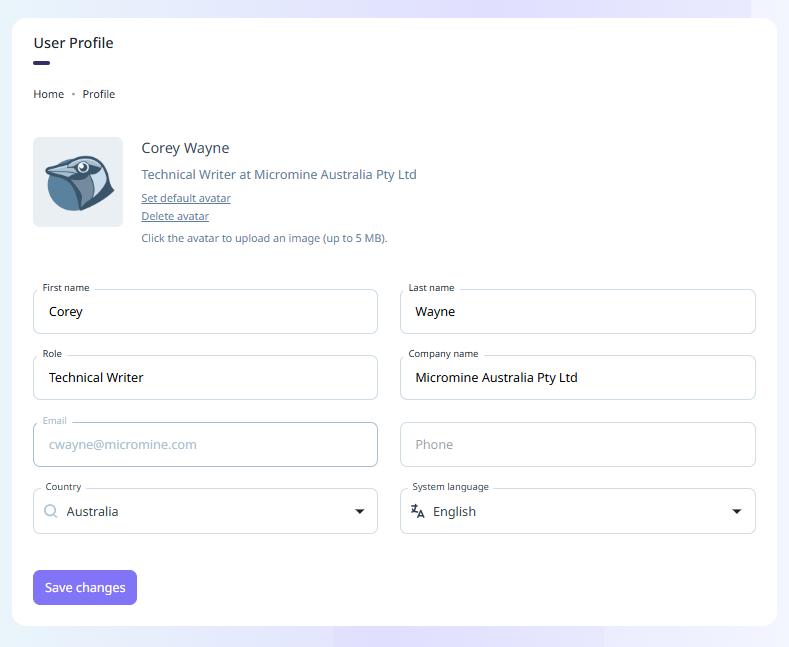
Click Save Changes to update your User Profile.