

Manage Wireframe Types

Look in
By default, all wireframe types in the current project folder are displayed. Click on the ellipsis button to navigate to another folder. You can navigate to any folder, not just a project folder.
When you click on any part of the “Look In” filepath, a history of the 5 most recent folders is provided. The most recent folder location is shown by default. If necessary you can edit the filepath you have selected.
Types
To rename, delete, or append to, the list of user attributes for a wireframe type:
- Select a type and click Edit.
- Existing user attributes (if any) are listed. Use the buttons on the local toolbar to Manage the rows in the list.

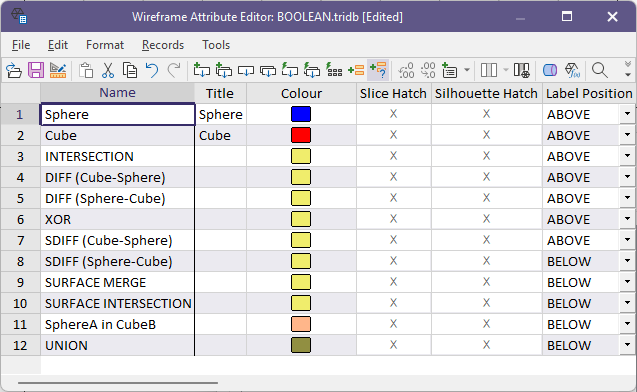
Click the Append button to add attributes to the list. The name of each attribute must be unique.

To edit the properties of a wireframe, see: Wireframe Properties