

Toggle Data Popups

Setting the Toggle Data Popups option ON, will enable the display of popup information when you hover on data.
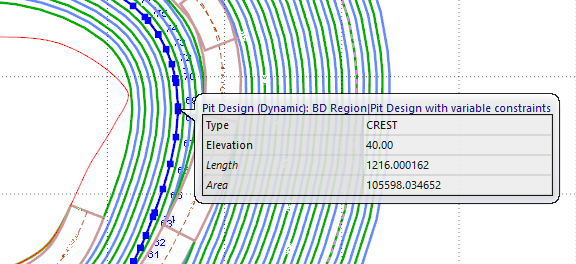
For example, for Pit Design, if the Toggle Data Popups option is toggled ON, information will be displayed when hovering on a data point:
If Toggle Data Popups is OFF, the popup information will not be displayed.
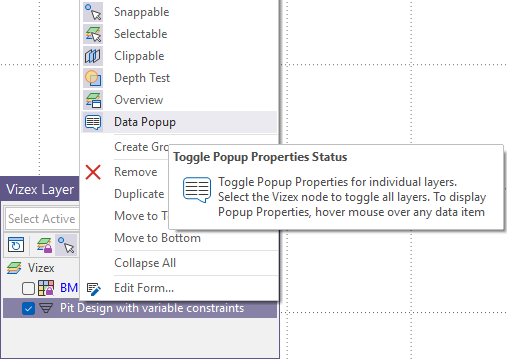
You can toggle the Data Popup status for individual layers in Vizex using the context menu:
When an option is ON, the icon is highlighted. Switching the Data Popup option OFF will remove the highlight:
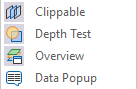
This will enable/disable Data Popups for only that layer, regardless of the setting in the Vizex | Display ribbon