

Line Sets
Line sets give you the ability to apply different line styles and line widths to the polylines in a single dataset. You can apply them in the same way that you can apply colours, hatches and symbols to your data (by linking the values in a nominated field to the values in a Line set).
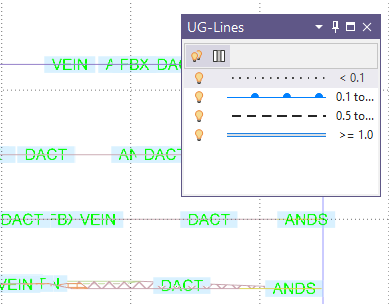
Layers that use a Line Set can display a Line Legend using the Display Line Legend button in the Vizex Layer Display panel. See Display a legend.
Multiple Line style options are available and can be selected on forms using the Line Style / Line Type options, as well as configured in the Edit Line Set form:
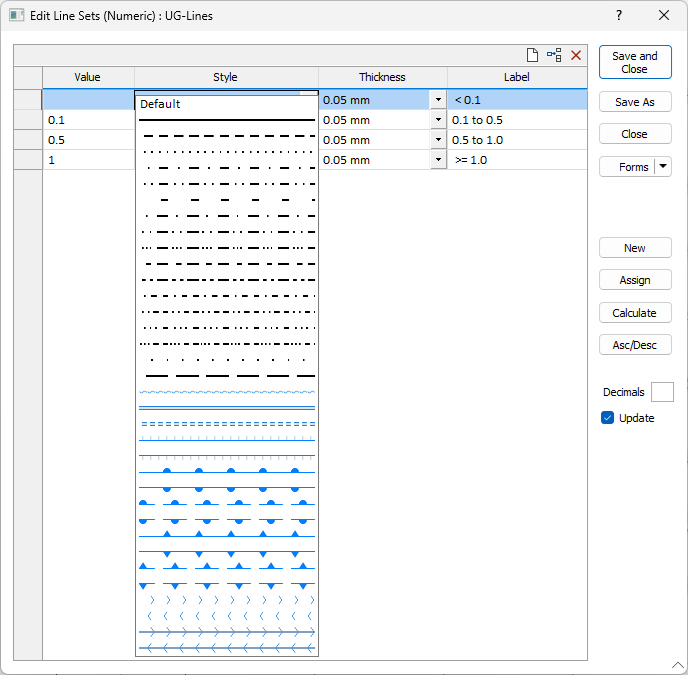
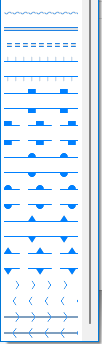
Note: Extended line styles such as double lines are not compatible with 2D plots (they will render as a solid line) and will only display properly in Vizex and 3D Vizex plots (and screenshots). Extended line styles are displayed in blue in the Line Type drop down.
Line width options range from 0.5mm to 2.1mm and are categorised into:
- THIN
- MEDIUM
- THICK