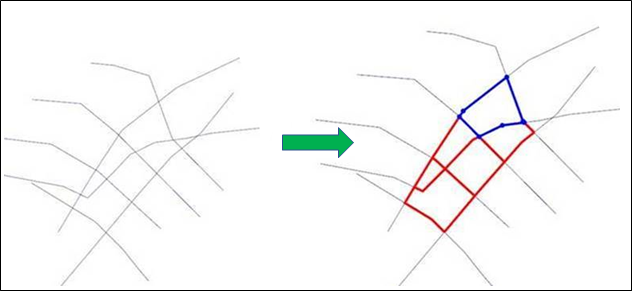
Polygon Networks

This option is also available from the Grade Control tab, in the Dig Lines group.
In Vizex, if they are not already selected, you will be prompted to select the polylines and polygons that intersect:
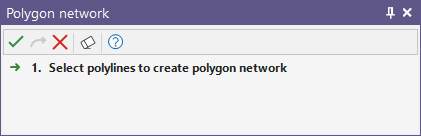
Click on the Accept Selection button (or right-click).