Rotate Ring

If no ring is selected, the Selection Assistant will prompt you to select the ring you want to rotate.
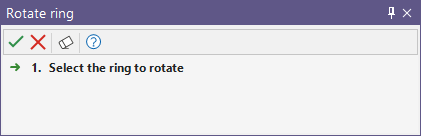
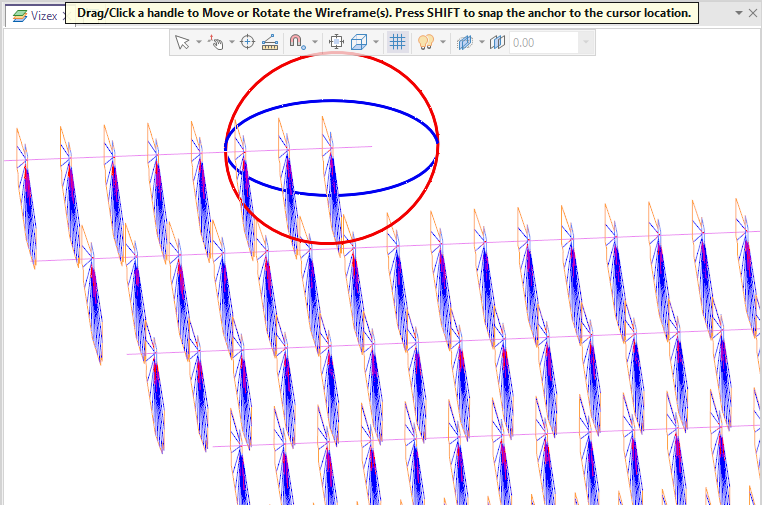
When the ring is selected and the interactive handles are enabled, you will be prompted to drag/click a handle to move or rotate the selected ring:
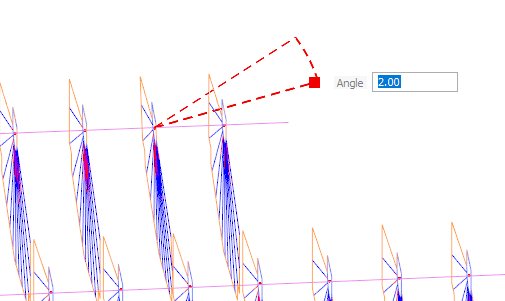
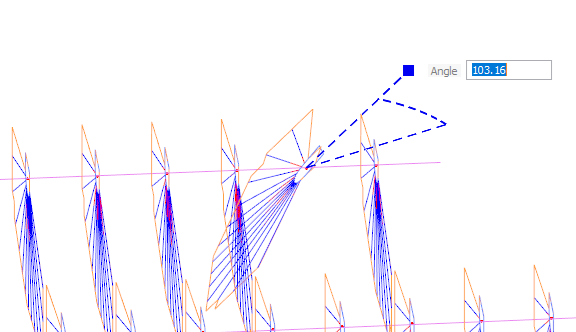
If you click a ring and drag it, the angle of rotation will be displayed. You can hold CTRL to snap the rotation to 30/45 degree increments. Pressing A will toggle between absolute and relative angle mode.
You can drag the ring to the required angle and release the mouse button to accept, or enter the angle directly in the field provided:
This process can be repeated for any of the angles you need to rotate by clicking another ring to adjust the Azimuth, Dump Angle, Dip and Dip Direction angles. For example, the blue ring will adjust Azimuth of the ring:
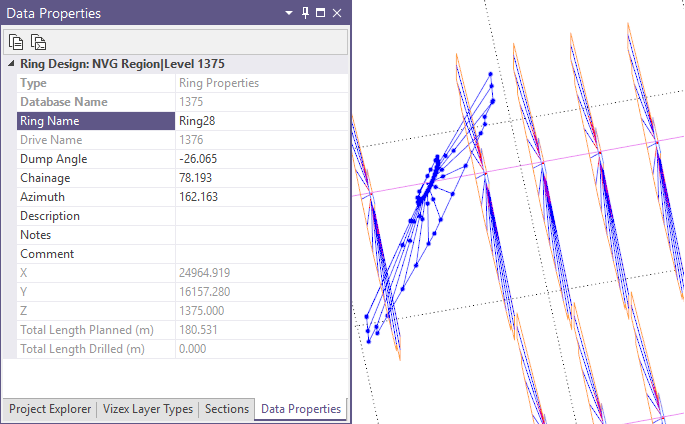
When the required adjustments have been made and accepted, the display of the ring and the information in the Data Properties pane will be updated: