Properties
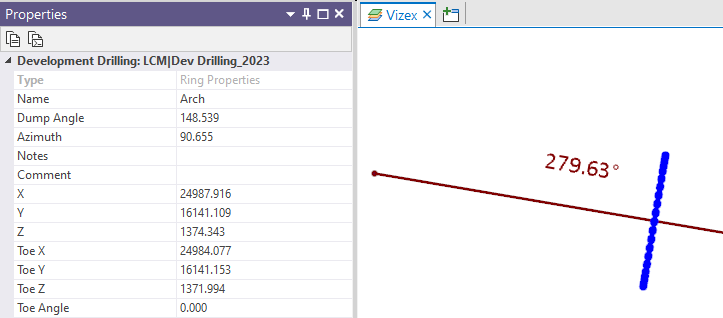
When you select a display object in Vizex, you can view and (sometimes) edit the properties of that object. The Type of the current layer and the Name of the current layer are also displayed at the top of the Data Properties pane.
Data properties for an object are separate from the display properties which are shown in the Display Properties pane.

When a Heading Design layer is the active layer, the following properties are displayed:
| Azimuth | Reports the azimuth of tunnel (or vector normal to the plane of the round) on which the selected round is located. |
| Dump Angle | Reports the angle of inclination of a round plane. |
| Chainage | Reports the distance from the start of the tunnel to the selected round. |