Legend Item

|
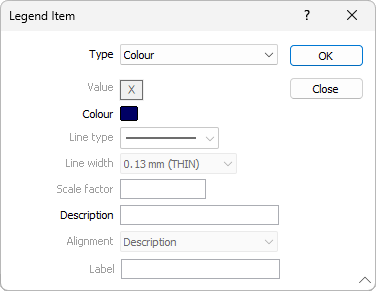
Click on the Append Row button (or double-click in the List pane) to add a new legend item to the list. New items are inserted after the currently selected item in the list. A Legend Item dialog is displayed, allowing you to select the (Colour, Hatch, Symbol, Line, Text, Column break, Blank) Type of item you want to add and enter a Description. If you have chosen to add a Text item, you can also choose an Alignment option to align the text to the patch, description, or column centre.
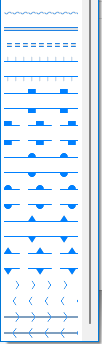
Note: Extended line styles such as double lines are not compatible with 2D plots (they will render as a solid line) and will only display properly in Vizex and 3D Vizex plots (and screenshots). Extended line styles are displayed in blue in the Line Type drop down.
|