

New Search Ellipsoid
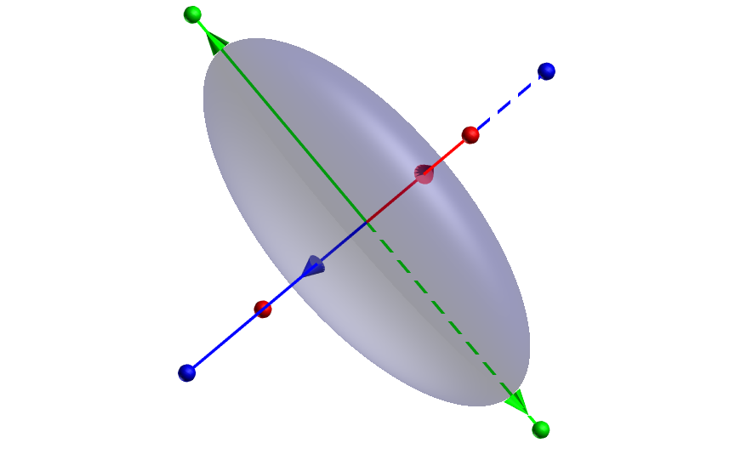
In orebody modelling the orientation of the mineralisation can be represented in terms of a 3D ellipsoid. Ellipsoids have three axes that are always mutually perpendicular, each of which can be treated as a linear feature.

You will be prompted to create a new form set.
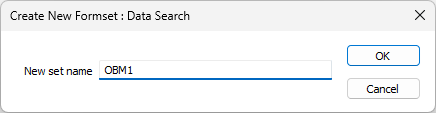
If the data search form set you specify already exists, you will be prompted to overwrite it or cancel.
The simplest way to set up a search ellipsoid is to define the azimuth and plunge of Axis 1, and the rotation of Axis 2:
When a new search ellipsoid is created:
- the ellipsoid is displayed in the centre of the view
- the view is oriented to allow Azimuth adjustment (Plan view)
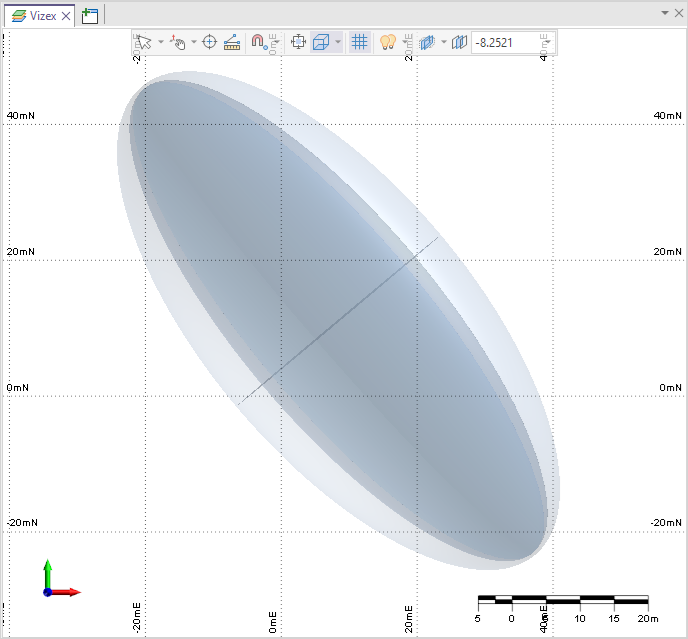
-
Right click in the new ellipsoid and select Edit Ellipsoid.
You are prompted to interactively edit the search ellipsoid by dragging the axis lines.
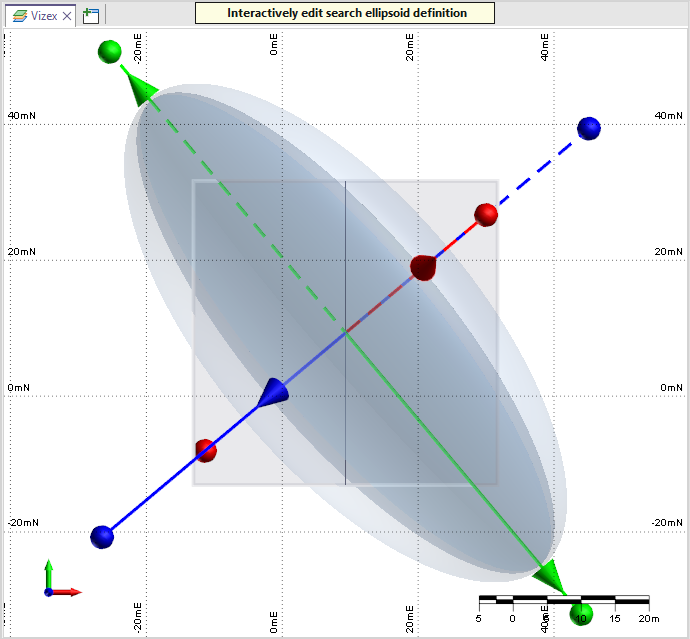
There are three interactive transform methods:
- Dragging the surface will move the centroid of the ellipsoid
- Pulling one of the conical arrows will scale along that axis
- Dragging one of the spherical end-point handles will rotate the ellipsoid
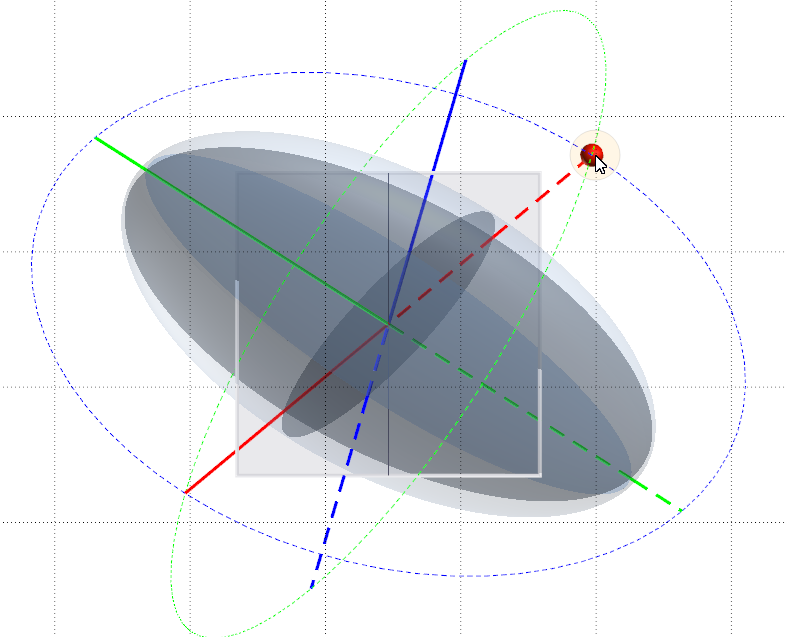
With each rotation handle, it is possible to rotate around one of the other two axes. Which rotation axis to rotate around is predicted by the first movement that you make when moving the handle:
- Holding X, Y, or Z when moving the ellipsoid will rotate the ellipsoid around the spatial (real-world) X, Y, or Z axis.
- Holding U, V, or W when moving the ellipsoid will rotate the ellipsoid around the camera (screen) X, Y, or Z axis.
Measure feedback is provided on the status bar and can be used to determine whether the direction and the radii of the ellipse are acceptable.
Axis lines that point in the negative (-ve) directions are drawn as dashed lines:
-
Right-click to finish creating the search ellipsoid.