Print File

- Define the Page setup.
- Click Print Preview to preview the file printout.
- Click Print (or press CTRL + P) to print the file.
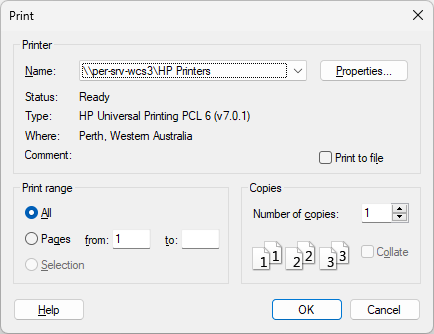
- Click OK button to proceed.
The Windows Print dialog box will appear.