Open a file
Use the File | Open command on the Script ribbon in the Macro Commands group to use a form to open a file/s.
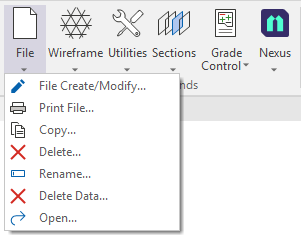
- Select Open from the File menu in the Macro Commands group.
The Open File form is displayed:
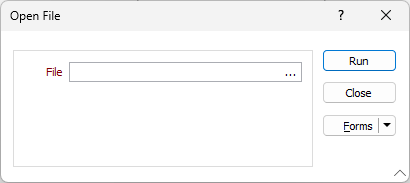
- Select the file to be opened using the ellipsis in the File field.
- Click Run to open the selected file.
- Click Close to close the Open File form.
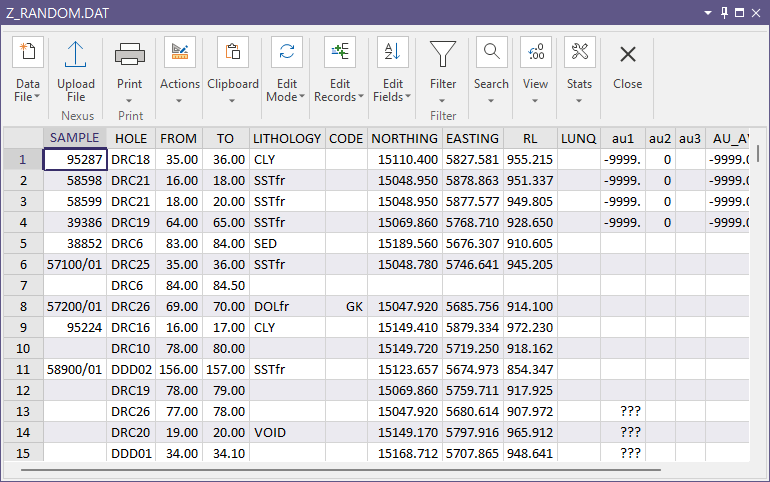
The selected file is opened in Vizex where valid: