Insert Many

This option is also available on the Lookup Table Editor tab for Lookup Tables.
To insert records:
- Position the highlight in the record that will follow the blank record. The highlight can be on any field in that record.
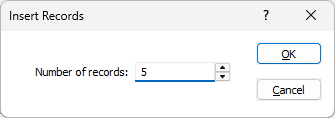
- Click Insert | Insert Many to open the Insert Records dialog.
- Enter the number of blank records to insert.
- Click the OK button.