

Delete a file
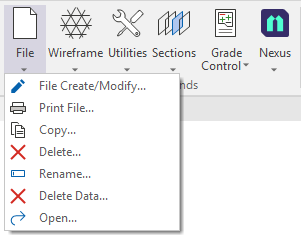
Use the File | Delete command on the Script ribbon in the Macro Commands group to use a form to delete a file/s.
Note: The File | Delete command can be used to delete unwanted files from a folder. It is intended for an unattended macro command, and as such no confirmation will be required to ensure there are no interruptions to any automated process.
- Select Delete from the File menu in the Macro Commands group.
The Delete File form is displayed:
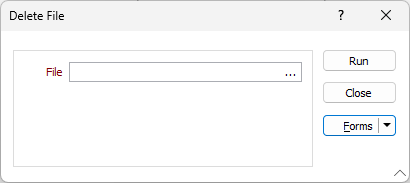
- Select the file to be deleted using the ellipsis in the File field.
- Click Run to delete the selected file.