

Hole Not Defined

In the Drillhole Database Repair form, enable the Hole Not Defined option in the Repair Options grid:
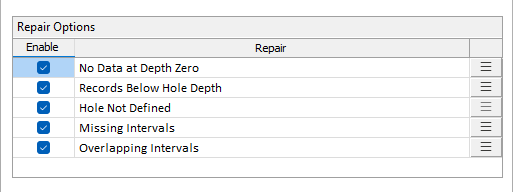
The Hole Not Defined error occurs when a Hole defined in the data is not defined in the Collar (or Trench) file.
If the validation error occurs, you can repair it using the option in the right-click menu:
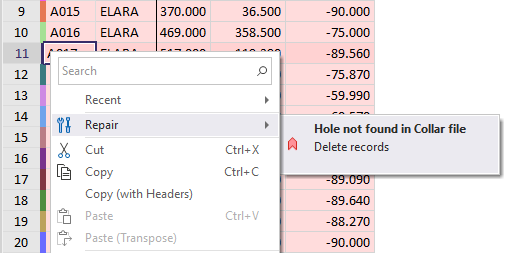
Selecting the option will delete the records containing the missing hole; providing validation of the file.
Forms
Click the Forms button to select and open a saved form set, or if a form set has been loaded, save the current form set.
Run
Finally, click Run to begin the process.